
Messages and the calendar
Read the messages the school has sent you, and see term dates, holidays, exams and events on the school calendar.
Messages from the school
Messages keeps every message the school has sent you, so you can read it again later, even one that arrived as an SMS you have deleted.
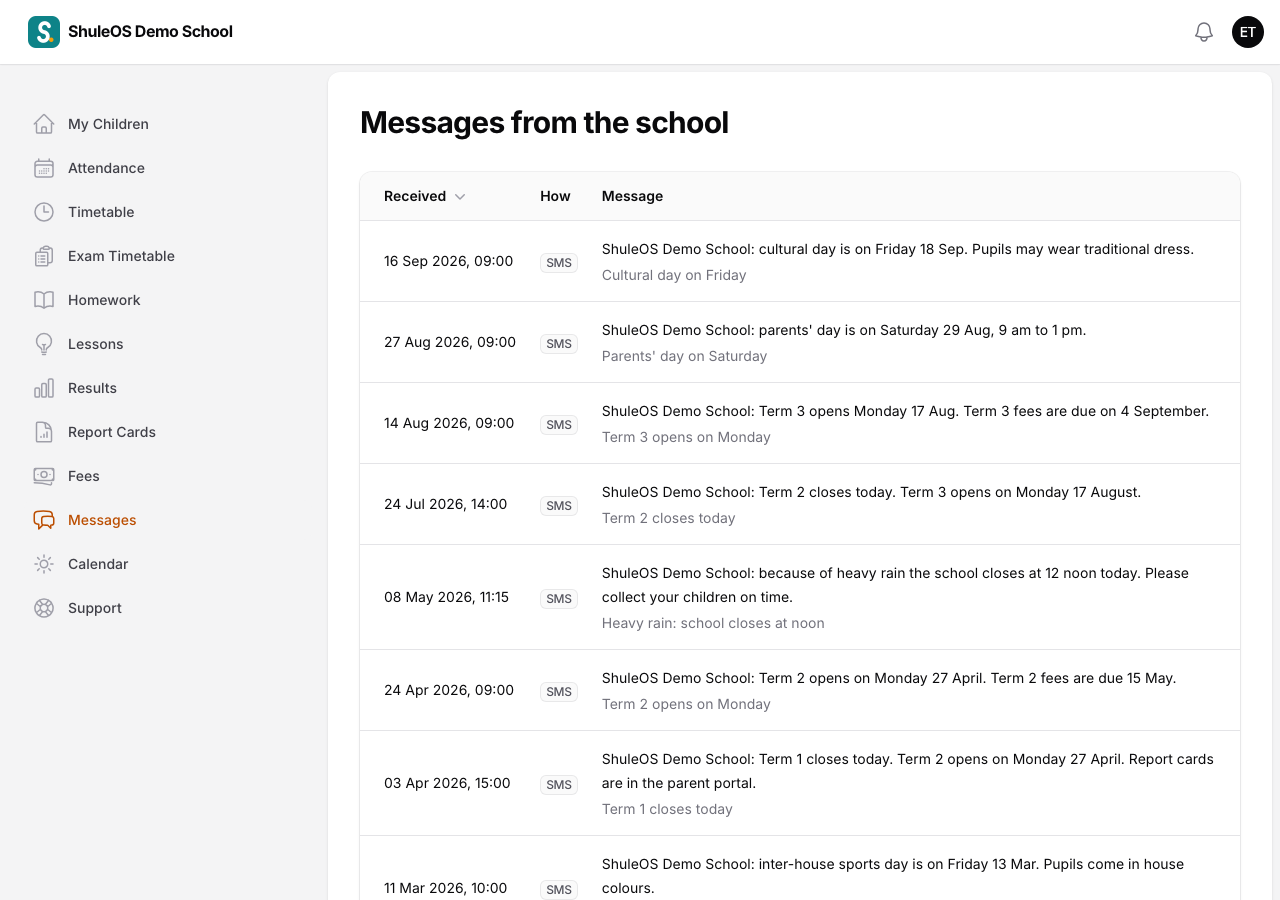
Each row shows when it was Received, How it was sent (SMS, Email or Bell) and the Message, with its subject in grey underneath. The newest are at the top.
The school sends messages about things like term opening and closing dates, fees due, parents' meetings and events, an emergency such as early closing, and when a report card is released. Some messages are sent automatically, for example when your child is marked absent.
Make sure the school has your correct phone number and email address. If they are wrong, you will not receive their SMS and emails, though you can still see messages here and on the bell.
The school calendar
Calendar shows the school year at a glance: when each term starts and ends, public holidays and other closures, exam days, parents' meetings and events for parents.

Use the arrows at the top to change month, and click Today to come back. Click a day to see what is on it. Plan ahead with it: book time off for parents' day, and know when your child is on holiday.
The calendar can only be read. The school office adds and changes events.
If something goes wrong
| What you see | What it means and what to do |
|---|---|
| Messages or Calendar is missing | The school has switched it off for parents. |
| A message you were told about is not here | It may have been sent only by SMS to your phone before you were linked, or to another parent. Ask the office. |
| You get no SMS from the school | The school may have your number wrong, or SMS is not switched on. Ask the office to check. |